 Tray
TrayDesigners
Exports out of one app and into another, without lining up two windows to do it.
 Finder tax is 14 seconds.Pay 9 instead.
A window for every download — open it, find the file, close it again. Tray keeps your newest files in the corner instead.
The tray holds references to where your files already live. It never copies them, never deletes one, and never moves one unless you ask it to.
Five files carried over together land as one card, counted rather than named, with the pile drawn behind it.
Point at a card and press Space. The same Quick Look preview Finder gives you, without Finder — and without opening the file in anything.
Drag a card into any window and the file lands there. Drag the cluster and every file in it lands at once.
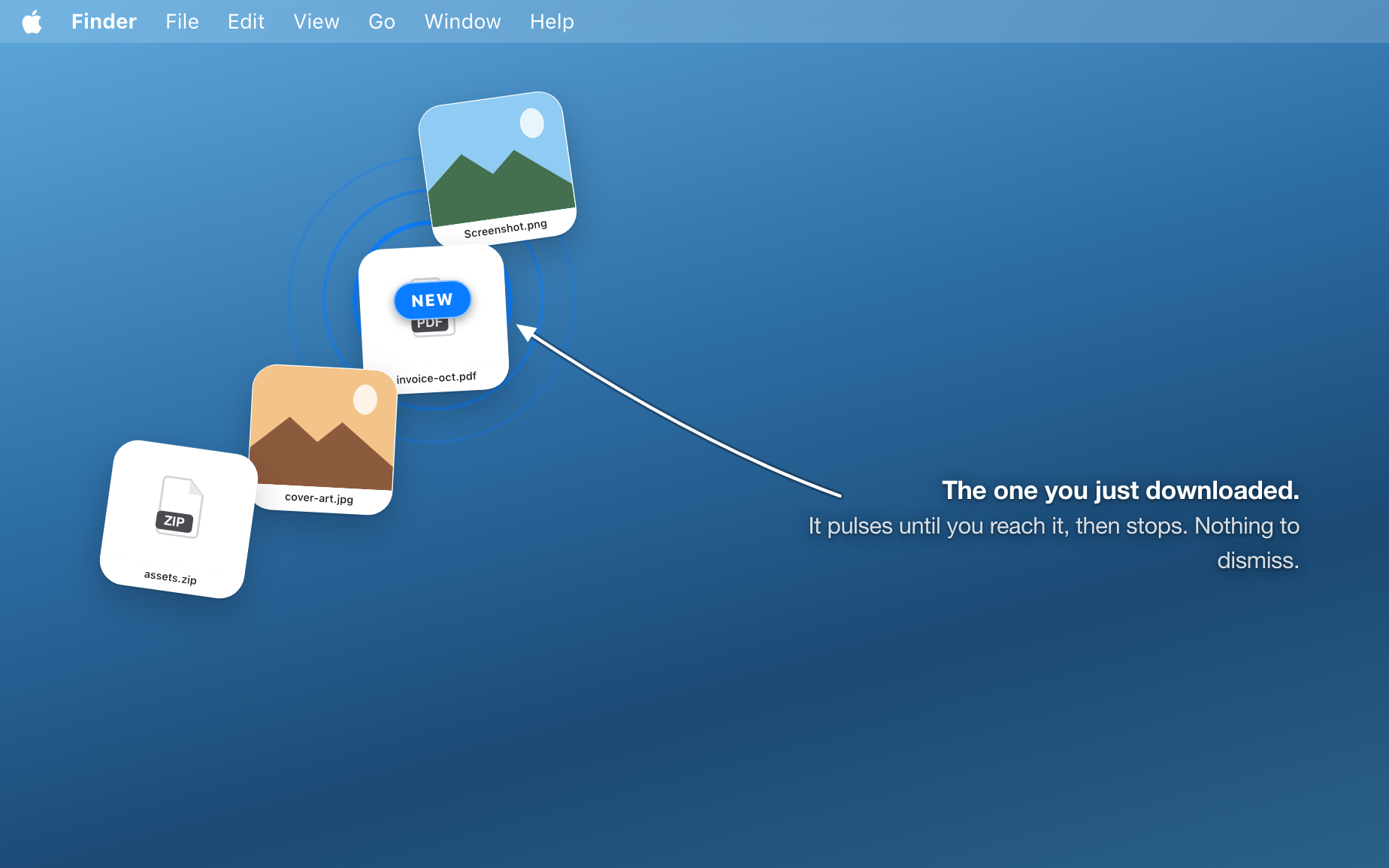
Your downloads are already there. The latest pulses until you reach it.
Exports out of one app and into another, without lining up two windows to do it.
A log, a screenshot and a crash report, dropped together and dragged into an issue as one.
The three attachments this draft needs, parked where the draft is not.
The same handful of files, reached for all day, kept so they stop ageing out.
The newest few, always within reach, without ever opening it.
Which is the whole point: the shelf is the second window you do not have room for.
Tray Pro
Keep every file, watch every folder, and shape Tray around the way you work.
One payment
Tray Pro, for good.
£79.99 one time
No renewal. No subscription.
Download for macOSStarts free · 82% pick this plan
3 Day Trial
Subscription
Everything Pro, a year at a time.
£9.99 per year
Three days free, then £9.99 a year. Cancel during the trial to pay nothing.
Download for macOSEither way the app itself stays free, and nothing you kept is ever taken back.
Not unless you ask. The tray holds a reference to where a file already lives, so what you see on a card is the file itself, in place. Taking something out of the tray forgets the reference and leaves the file exactly where it is. Nothing it does puts anything in the Bin. There is exactly one exception, and you have to go and find it: “Put in a Folder…” on a cluster makes a real folder and puts that cluster's files into it, after a panel asking where, under what name, and whether to copy them or move them. It copies unless you say otherwise.
The tray forgets it after a day, and the file stays where it is. That expiry is what makes dropping something a casual act rather than a filing decision — the shelf tidies itself so you do not have to. If you would rather it never forgot, set the lifetime to never.
It tries hard not to. Pushing the pointer into the edge of the screen cannot be done by accident, and that is always a way in. Resting the pointer there also opens it, which is the gesture the Dock taught everybody — but that one can happen without being meant, so it can be switched off and the push still works.
Yes. Pinned files come back after a relaunch, which under the sandbox takes more than remembering a path — the tray stores a security-scoped bookmark for everything you hand it, taken at the moment you hand it over.
Yes, and you can also download it straight from here. The two are the same app — what differs is who takes the money and what that makes possible. The App Store ties the purchase to your Apple ID and restores it on your other Macs; the download here is signed with a Developer ID and notarised, opens with no Gatekeeper warning, and is the only one of the two with a three-day free trial in front of the yearly plan.
No account, no analytics, no telemetry — and until you activate a licence, Tray does not use the network at all. Activating sends three things to Lemon Squeezy, who handle the licensing: your licence key, your Mac's name and a hardware identifier, so the licence can be tied to this machine and released again later. It re-checks about once a day. That is everything it ever sends, and the free version never sends it. This website is separate and does count visits — see the privacy page, which has a switch to turn that off.
Two free things, and they are different. The app itself is free to download and free to keep using with no time limit — that version keeps three files permanently and watches one folder. The yearly plan then has a three-day free trial on top of that, on the download from this site: the checkout takes your card, you get everything unlocked straight away, and if you cancel inside the three days you are not charged. Leave it running and it becomes £9.99 for the year. Buying the yearly plan through the App Store instead starts charging right away — Apple shows its own terms before you confirm.
The same Tray Pro either way — what differs is only how you pay for it. £9.99 a year is the way in, with the three free days in front of it, and it is the one to take while you are still deciding. £79.99 once is the way to stop thinking about it: bought outright, no renewal, and it cannot lapse. It costs what eight years of the yearly plan costs, so it is the long-run choice rather than the cheap one.
A licence is activated per Mac and can be moved. Deactivating in Tray's settings hands that activation back, so it can be used on another machine. If you reach the limit, Tray says so plainly and tells you which way out — it does not simply refuse the key.
On the yearly plan, Tray falls back to the free limits and takes nothing away. Files you had already kept stay kept, clusters stay bundled, and nothing leaves the tray — you just cannot pin a fourth file until you renew. The corner you chose is remembered too, rather than erased, so renewing puts everything back where it was. A lifetime licence never reaches this question: there is no year to be up.
macOS 14.1 Sonoma or later, on Apple silicon and Intel.